Installation & Deployment Guide
Deployment Architecture
The complete system deploys as an interconnected multi-container environment via Docker Compose. The default stack includes:
- PostgreSQL 16 (
pgvector) - Qdrant Vector Database
- Memgraph MAGE In-Memory Knowledge Graph and Memgraph Lab
- RustFS S3-Compatible Object Store
- Langfuse v4 Full Observability Stack (Web, Worker, ClickHouse, Redis, MinIO)
- DOCX Regulatory Document Service
- FastAPI Backend & FastMCP Server (
hybrid-rag-api) - GxPChat Unified Next.js Application (
hybrid-rag-gxpchat) - System Documentation Wiki (
hybrid-rag-wiki)
Step-by-Step Installation Procedure
Step 1: Clone Repository and Enter Workspace
git clone https://github.com/saram-io/hybrid-graphrag.gitcd hybrid-graphragStep 2: Configure Environment Variables
Copy the template configuration file:
cp .env.example .envOpen .env in an editor and configure model credentials. If using DeepSeek foundation models:
DEEPSEEK_API_KEY=your_deepseek_api_key_hereDEEPSEEK_BASE_URL=https://api.deepseek.comLLM_MODEL=deepseek-v4-flashIf using local Ollama models on the host machine:
EMBEDDING_PROVIDER=ollamaEMBEDDING_MODEL=qwen3-embedding:8bEMBEDDING_DIMENSION=4096OLLAMA_BASE_URL=http://host.docker.internal:11434Step 3: Build and Launch Docker Containers
Execute Docker Compose in detached mode:
docker compose up -d --buildVerify that all containers reach a healthy state:
docker compose psExpected container states:
hybrid-rag-postgres: Up (healthy)hybrid-rag-qdrant: Up (healthy)hybrid-rag-memgraph: Up (healthy)hybrid-rag-memgraph-lab: Uphybrid-rag-rustfs: Up (healthy)hybrid-rag-langfuse: Up (healthy)hybrid-rag-clickhouse: Up (healthy)hybrid-rag-docx-service: Up (healthy)hybrid-rag-api: Up (healthy)hybrid-rag-gxpchat: Up (healthy)hybrid-rag-wiki: Up (healthy)
Step 4: Execute Life Sciences Domain Data Seeding
The platform includes an automated synthetic seeding pipeline that populates the three database engines with 505 controlled documents, 202 enterprise assets, 8 multi-agent squad scenarios, and backup/DR records:
docker compose exec api python -m src.seed.seed_allThe seed command automatically:
- Provisions PostgreSQL tables, constraints, and 21 CFR Part 11 triggers.
- Ingests SOPs, URS, FS, DS, and Test Protocols into PostgreSQL and calculates chunk hashes.
- Generates dense and sparse vector embeddings and loads them into Qdrant collections.
- Builds the Labeled Property Graph (LPG) inside Memgraph with multi-hop traceability edges.
- Populates the append-only backup and restoration qualification ledger.
- Stages sample binary documents in RustFS S3 buckets.
Step 5: Verify Web Applications and Services
Open a web browser and confirm access to the active service endpoints:
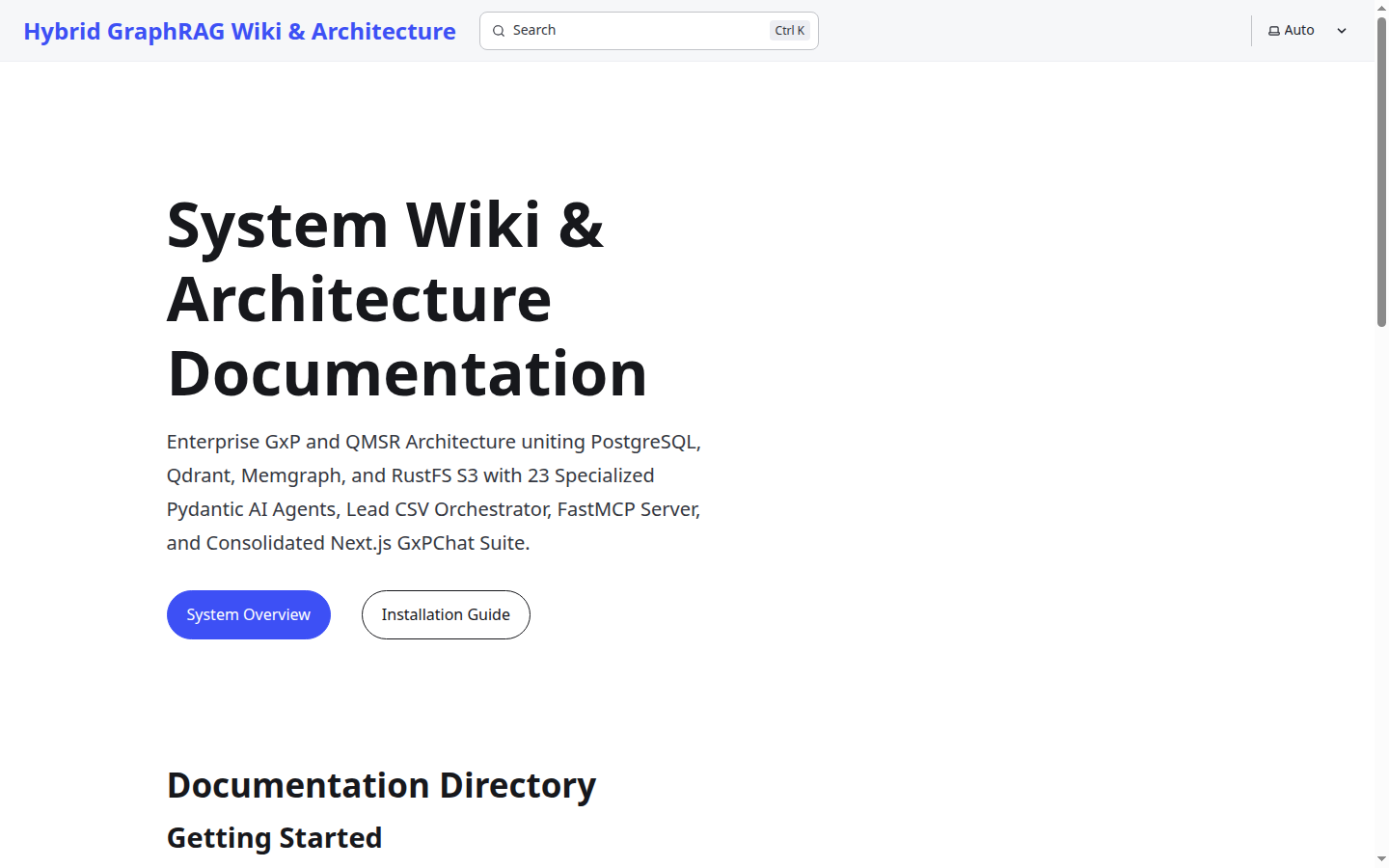
- System Documentation Wiki:
http://localhost:4321 - GxPChat Consolidated Application Suite:
http://localhost:3010(orhttp://localhost:3002) - FastAPI OpenAPI Documentation:
http://localhost:8090/docs - Memgraph Lab:
http://localhost:3006 - Qdrant Vector Dashboard:
http://localhost:6335/dashboard - RustFS S3 Console:
http://localhost:9121 - Langfuse Observability:
http://localhost:3001
Step 6: Standalone Profile Execution (Optional)
If individual standalone micro-frontends are required on isolated ports:
docker compose --profile standalone up -d --buildThis starts:
- QMS Portal on port
3008 - Asset Management App on port
3009 - IT Help Desk App on port
3011 - IT Validation App on port
3013